
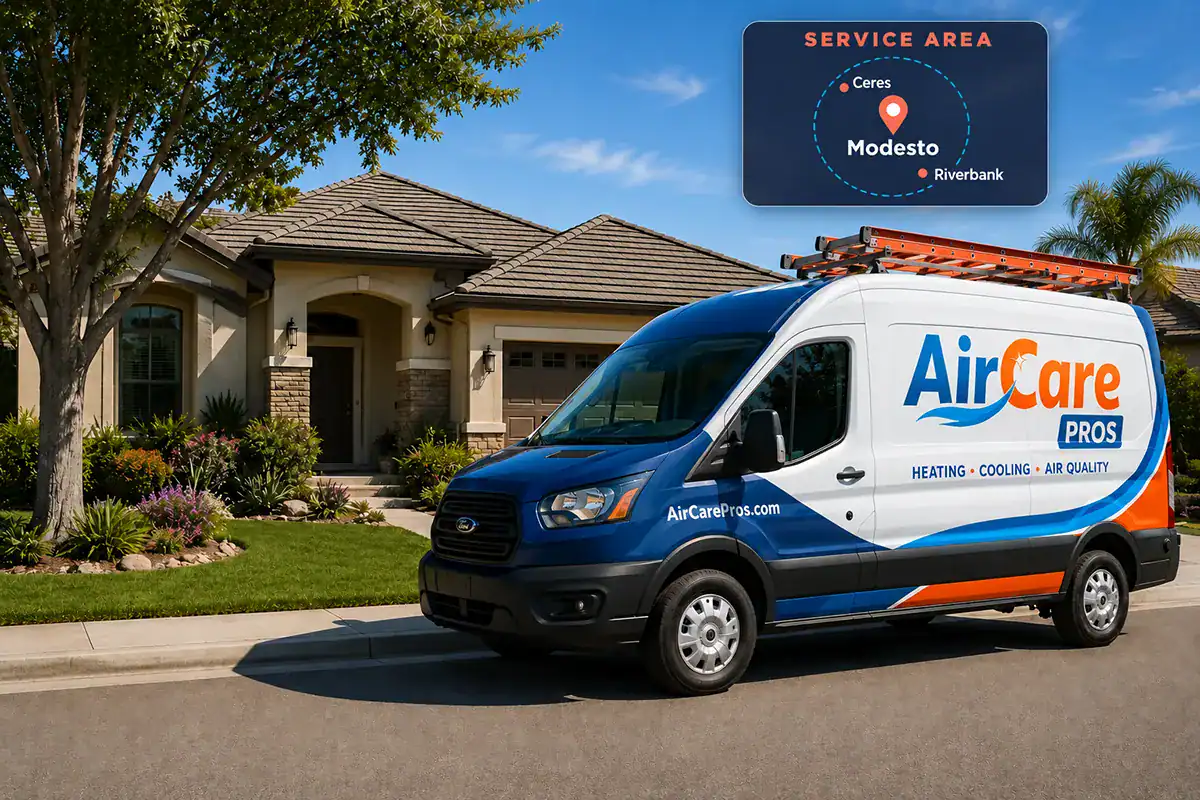
Most local SEO advice assumes you have a storefront. It tells you to put your address on every page, photograph your entrance, and make it easy for customers to get directions. That advice makes sense for a shop. It leaves a lot of questions for the plumber, HVAC technician, landscaper, water heater installer, or house cleaner who goes to the customer.
Google has a business type for this setup. It calls it a service-area business. The way you set up your Google Business Profile changes when customers don’t visit your address. Your website also has more work to do because people need another way to see where you operate and what kind of work you do. Here’s how to handle both.
What a “service-area business” means to Google
A service-area business visits customers or delivers to them directly and doesn’t serve them at its own address. That includes a mobile technician working out of a van, a cleaner who handles bookings from home, and a landscaping company whose crews start the day at a private yard. What matters is where customers receive the service.
Google Business Profile lets you hide your address from the public and specify the places you serve. If you also receive customers at a staffed location during your posted hours, Google treats that setup as a hybrid business. A hybrid profile can show both the public address and the service area. A shop or office used only by your crew is a business base, so its address should stay hidden on a service-area profile.
Setting up your Google Business Profile the right way
In your Business Profile, open Edit profile, then Location, and edit the Service area. Google lets you select cities, ZIP codes, and other recognized areas. Its service-area guidance allows up to 20 entries and says the overall area generally should stay within about 2 hours of driving time from your base. Google uses named areas for this setting. If you currently describe your coverage as a mileage radius, translate that into the actual communities you serve.
Start with the places where you regularly accept jobs. If you work in Modesto, Ceres, and Riverbank most weeks, those are reasonable entries. Think twice about adding a city where you’d only take a job big enough to justify the drive. Inflated coverage makes the profile less credible when customers call and find out you rarely go that far. It also gives Google a less accurate picture of your business. Google still considers distance when deciding which businesses to show.
Choose the most specific primary category that describes your main business. An HVAC company that mainly installs and repairs heating and cooling systems can use HVAC contractor. Use additional categories sparingly, where they describe distinct work you actually do. In the same location settings, remove your address from public display if customers never visit it. Then check the public profile in Search or Maps to make sure your home address is hidden.
Why your website has to do more of the work
Without a storefront photo, street address, or entrance to look up on Street View, customers turn to your website to see whether you work nearby and handle jobs like theirs. Our HVAC website template, water heater landing page template, and landscaping website template show how businesses that work at customer properties can organize their services and give people a way to request an estimate.
Name the cities you serve in the copy people actually read. Put the main service area near the top of your homepage and mention specific places on service pages when the detail helps someone make a decision. “We replace tank and tankless water heaters in Modesto, Ceres, and Riverbank” tells someone what you do and whether they can call you. A list of city names tucked into the footer leaves them to piece that together.
Show the work alongside those service descriptions. A landscaper could share photos of a front-yard renovation in Riverbank and explain what the crew changed and why. A water heater installer could show a replacement in Ceres and explain what the customer had to decide before installation. Use your own job photos, brief project examples, and relevant customer reviews. A city name and a few details about the job can establish where you worked while keeping the customer’s street address private.
The mistake that backfires with thin city pages
It’s easy to start with “HVAC Services in Modesto,” copy the page, and swap in Ceres, Riverbank, and every other place you serve. If the same service description, photos, and estimate form appear on every version, the new page gives visitors little reason to read it. Google’s spam policies identify similar city pages that funnel people to the same destination as an example of doorway abuse.
If your coverage and services are mostly the same across towns, one well-written service-area page can do the job. Name the communities you cover, explain any limits on specific services, and link to the relevant service pages. For example, if you offer scheduled installations across the county but reserve same-day calls for nearby cities, spell that out where customers can find it.
A separate city page earns its place when you have information customers there would actually use. That might include completed projects in that city, different appointment availability, or a local requirement that affects the job. Read the page with the city name removed. If it could describe anywhere you work, fold the useful parts into your main service-area page.
Reviews and citations carry extra weight here
Someone who can’t stop by your shop has to decide whether to invite your crew to their home based on what they can see online. A review that describes a repair, how you communicated, or what happened when the job ran long helps them picture working with you. Google’s local ranking guidance also says review count and positive ratings can help local visibility. Once the work is complete, give customers a direct Google review link. Our guide, How to Ask for Google Reviews (Without It Feeling Awkward), includes ways to ask in person or in a follow-up message.
Citations are listings or mentions of your business on other sites. Check that your business name, phone number, and website agree across Google, Yelp, and relevant industry directories. Where you have a public business address, use a consistent format, including any suite number. If you work from home and keep that address private, use service-area or address-hiding settings where directories offer them. Fix outdated phone numbers and old addresses first. Those are the errors most likely to send a customer to the wrong place.
Common Questions
Can a service-area business still show up in the Google Maps 3-pack?
Yes. An eligible, correctly configured service-area profile can appear in Google’s local map results with its street address hidden. Google considers relevance, distance, and prominence, so adding a city to your profile doesn’t guarantee placement there.
Should I hide my home address if I run my business from home?
Yes, if customers don’t come to your home for service. Google’s service-area settings let you show the communities you serve while keeping your home address off the public profile.
Do I need a separate page for every city I serve?
Usually, one useful service-area page is enough. Give a city its own page when you have details that help customers there make a decision. Pages that differ mainly by city name add little value and can create problems if they function as doorway pages.
Make it clear where you work
Local SEO for a service-area business starts with a profile that accurately shows where you take jobs. Your website backs that up by naming the places you serve, showing work you’ve done there, and answering the questions customers ask before they book.
With SEO Services from AJT Digital Designs, you see exactly what we change and why. We explain what each change is meant to improve, and rankings aren’t guaranteed.
Get in touch to discuss your service area, Google Business Profile, and website.